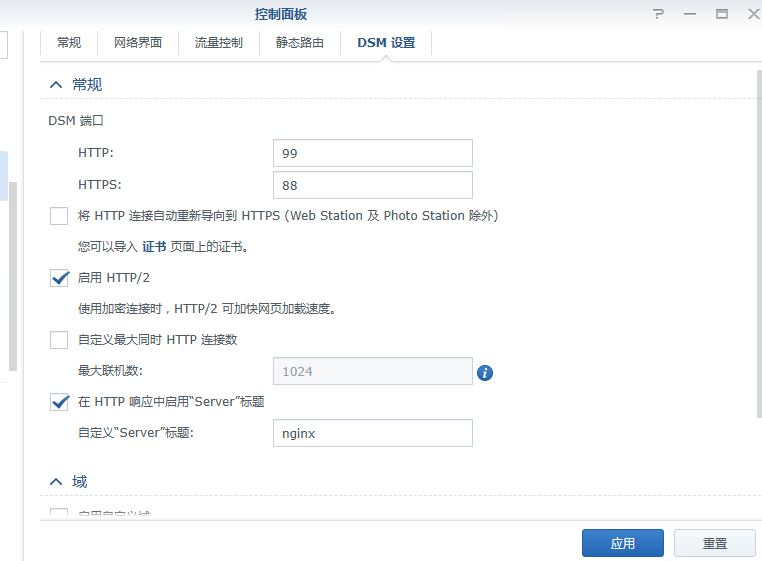
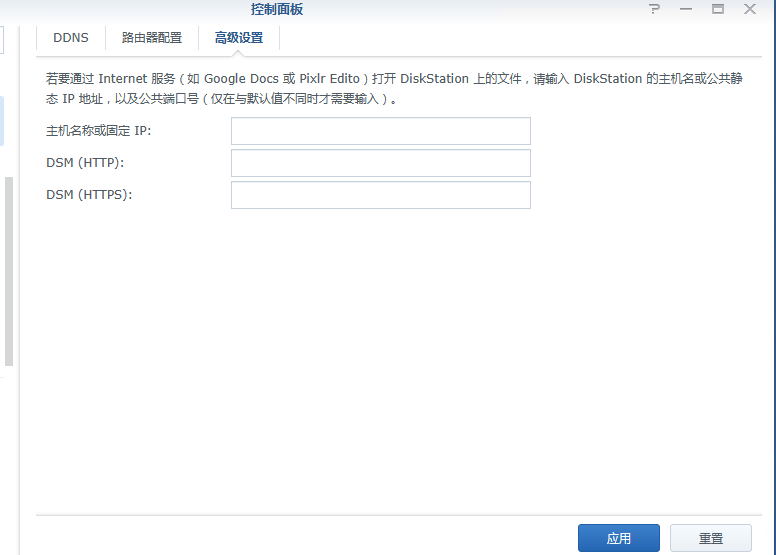
修改默认的webstation端口为8080和8443,并启动容器
cd /usr/syno/share/nginx
sed -i "s/80/8080/g" server.mustache
sed -i "s/80/8080/g" DSM.mustache
sed -i "s/80/8080/g" WWWService.mustache

sed -i "s/443/8443/g" server.mustache
sed -i "s/443/8443/g" DSM.mustache
sed -i "s/443/8443/g" WWWService.mustache

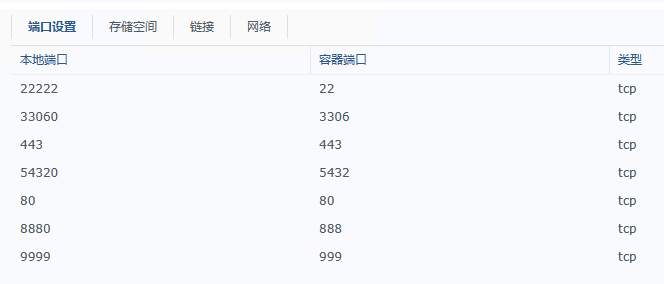
docker run -itd -p 80:80 -p 443:443 -p 9999:999 -p 33060:3306 -p 54320:5432 -p 8880:888 -p 22222:22 --name centos-nginx --hostname centos --privileged=true centos-web:2023 /usr/sbin/init
容器端口映射
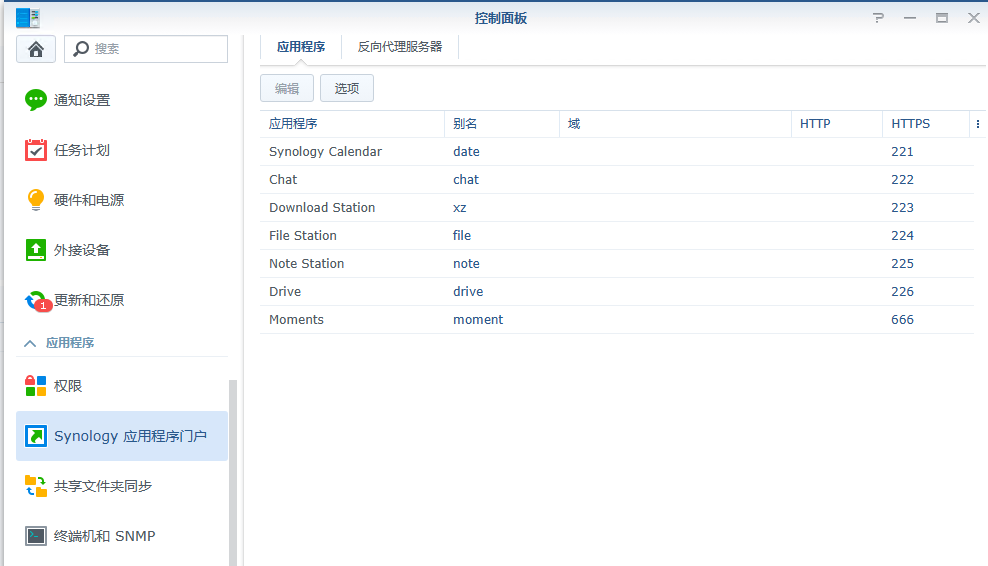
应用程序门户
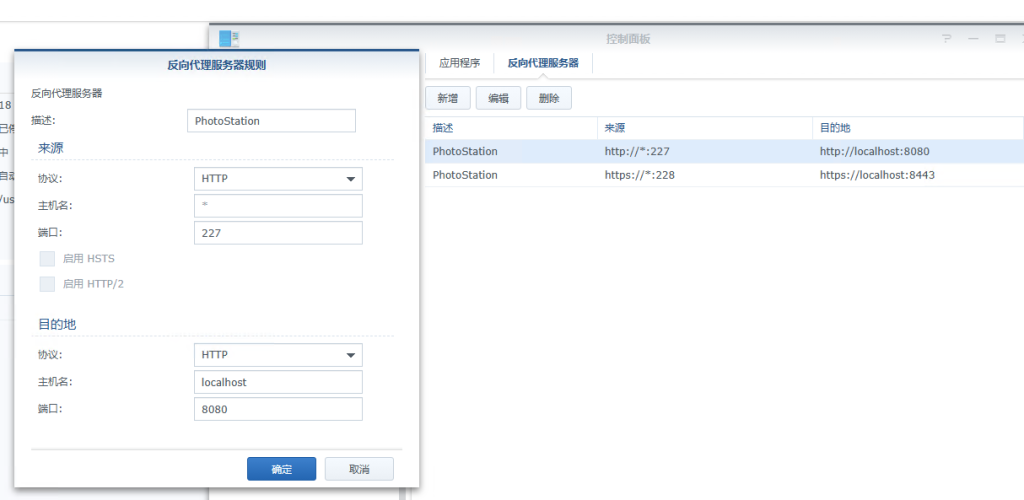
photoStation反向代理1

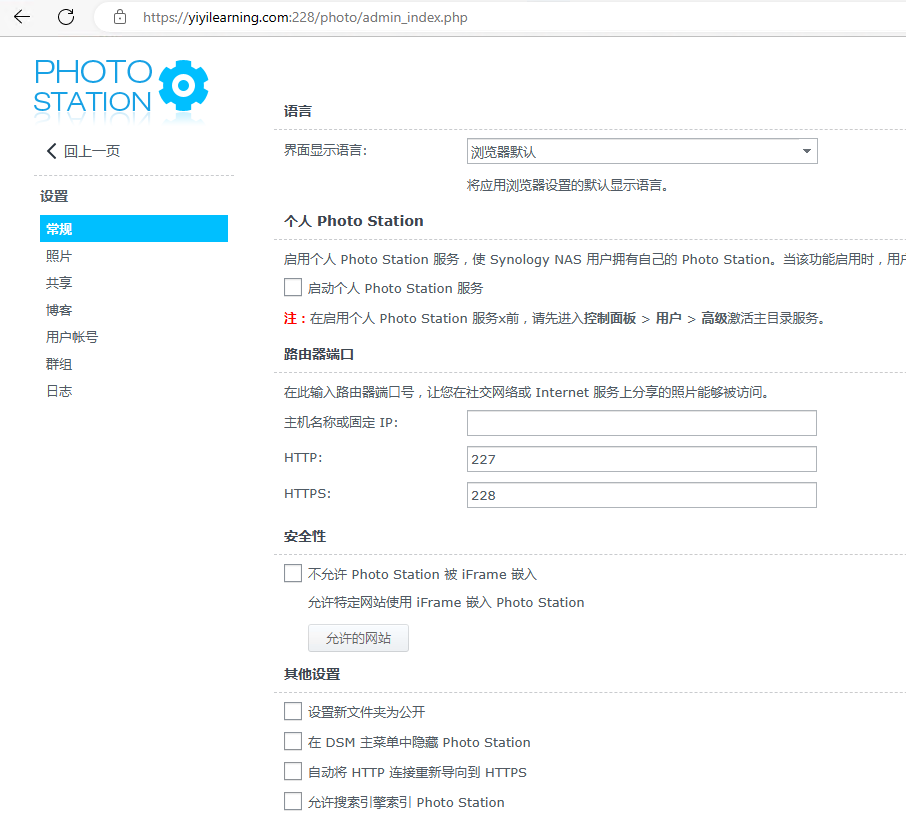
photoStation反向代理2
其他